



• Latest
  • Trending
Shutterstock Photo

Recording and Listening in the Digital Age

March 9, 2015
Perspective

Perspective

February 12, 2026
Headlines

Headlines

February 12, 2026
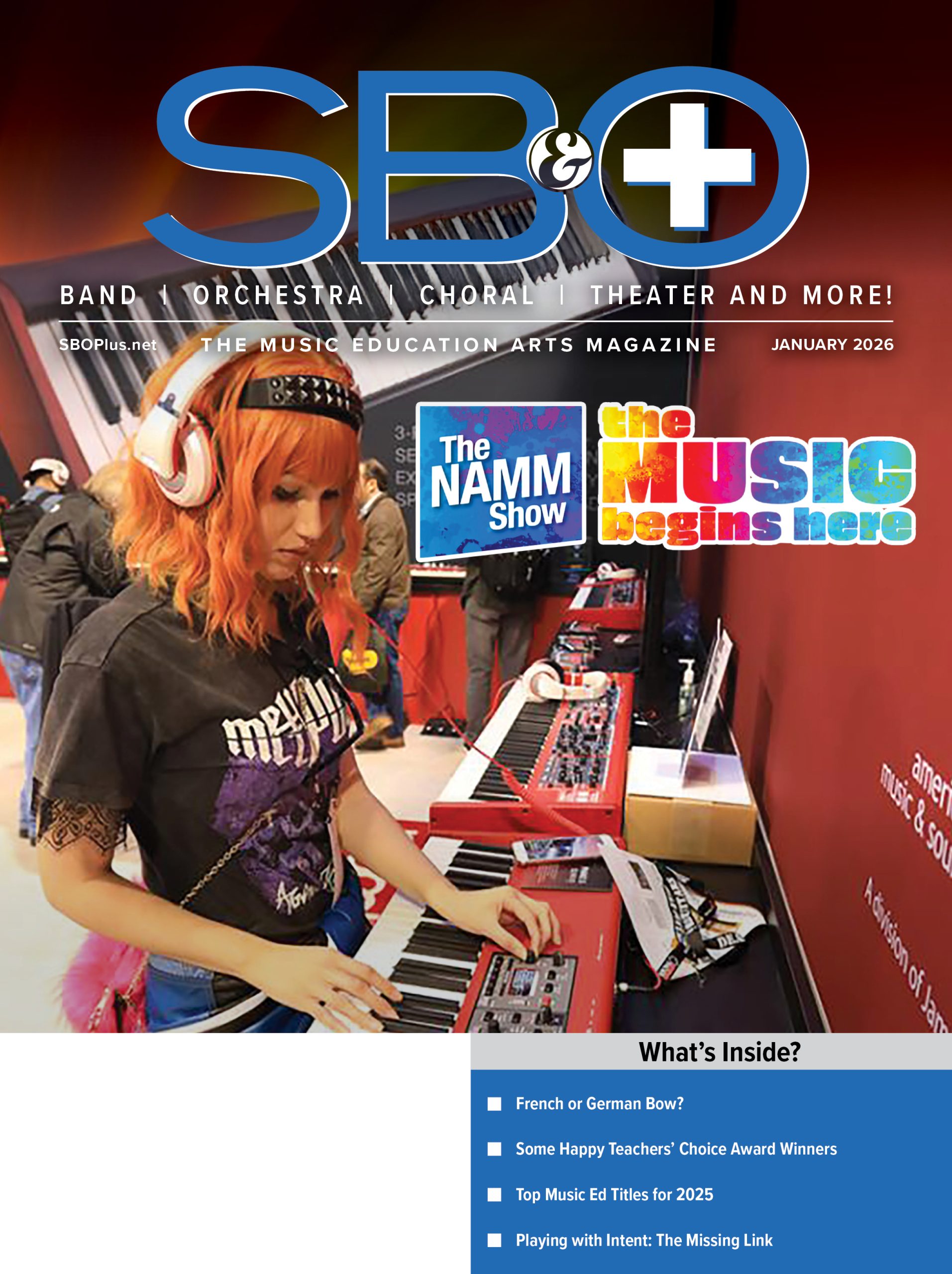
COVER

COVER

February 12, 2026
Teachers’ Choice Winners at the NAMM Show

Teachers’ Choice Winners at the NAMM Show

February 7, 2026
Tone deaf – Decibel Scale

Tone deaf – Decibel Scale

January 29, 2026
Playing with Intent: The Missing Link Between Practice and Confidence

Playing with Intent: The Missing Link Between Practice and Confidence

January 27, 2026
French Versus German? The Over/Under on Double Bass Bow Holds

French Versus German? The Over/Under on Double Bass Bow Holds

January 26, 2026
New Products – January 2026

New Products – January 2026

January 23, 2026
Minute Clinic – STUDENT CONDUCTORS

Minute Clinic – STUDENT CONDUCTORS

January 23, 2026
Top Music Education Titles for 2025

Top Music Education Titles for 2025

January 21, 2026
You Can Help Shape a Bold Future

You Can Help Shape a Bold Future

January 20, 2026
An Interview with Jeff Moore About Ralph Hardimon (Santa Clara Vanguard) and ‘Musica Boema”

An Interview with Jeff Moore About Ralph Hardimon (Santa Clara Vanguard) and ‘Musica Boema”

January 19, 2026
Friday, February 13, 2026
  • Contact
SBO+
  • Advertise
  • Subscribe Free!
    • Manage Subscription
  • Departments
    • Choral
    • String Section
      • String Section
    • Concert Band
    • Modern Band
      • Mariachi
    • Orchestra
    • Instruments
      • Woodwinds
        • Wind Talkers
      • Percussion
        • GoodVibes
      • Repertoire
      • Playing Tips
    • Marching Band
    • Resources
      • Fundraising
    • Jazz
    • Brass
    • General Music
    • Advocacy
      • NAfME Neighborhood
      • MAC Corner
      • MusicEd: Mentor Minute
    • Commentary
      • Bubbett’s Bookshelf
      • Leadership Tips
      • Perspective
      • InService
        • America’s Bandmasters
        • America’s Musicians
      • Tone Deaf Comics
    • Features
    • News
      • Headlines
  • Current Issue
    • Past Issues
  • Support
  • Awards/Entries
    • 50 Teachers Who Make a Difference
    • Teachers’ Choice Awards
No Result
View All Result
  • Advertise
  • Subscribe Free!
    • Manage Subscription
  • Departments
    • Choral
    • String Section
      • String Section
    • Concert Band
    • Modern Band
      • Mariachi
    • Orchestra
    • Instruments
      • Woodwinds
        • Wind Talkers
      • Percussion
        • GoodVibes
      • Repertoire
      • Playing Tips
    • Marching Band
    • Resources
      • Fundraising
    • Jazz
    • Brass
    • General Music
    • Advocacy
      • NAfME Neighborhood
      • MAC Corner
      • MusicEd: Mentor Minute
    • Commentary
      • Bubbett’s Bookshelf
      • Leadership Tips
      • Perspective
      • InService
        • America’s Bandmasters
        • America’s Musicians
      • Tone Deaf Comics
    • Features
    • News
      • Headlines
  • Current Issue
    • Past Issues
  • Support
  • Awards/Entries
    • 50 Teachers Who Make a Difference
    • Teachers’ Choice Awards
No Result
View All Result
SBO+
No Result
View All Result

Recording and Listening in the Digital Age

byMike Lawson
March 9, 2015
in Technology
0
Shutterstock Photo

Shutterstock Photo

Share on Facebook
ADVERTISEMENT

Shutterstock PhotoAs we approach festival season, recording your ensemble is essential for many reasons.

1.) We can’t catch everything in class.

As directors, we cannot hear and address every detail during a run through of a piece, so a quality recording will allow us to listen back later and plan for the next rehearsal.

ADVERTISEMENT

2. Students need to hear the entire group to learn ensemble skills.

As we try to instill the principles of blend, balance, intonation, phrasing, etc. into our students, it is important for them to listen to themselves in order to hear growth and understand what we are asking for as directors.

3. Peer Evaluations.

When preparing for competition, it is wise to have guest clinicians come hear your band or orchestra and offer feedback, but this can be difficult to schedule since we are all teaching at the same time during the day. Using recordings allows us to gather valuable peer reviews in reparation for the big performance.

4. Concerts

Students benefit greatly from peak experiences, and their performances are certainly the highlight of being in a musical ensemble. It is important for students to have a quality recording of their experience.

ADVERTISEMENT

In order to benefit from using recordings as a teaching tool, is it imperative that we record and listen with proper audio quality. If your recording does not sound like what you hear on the podium, don’t use it! Luckily, high-quality digital recording is more accessible and affordable than ever.

There are many portable recording tools on the market today, but some sacrifice sound quality and dynamics, leaving you with a recording that is inaccurate. I would recommend setting up an interface with proper recording mics in your classroom. There are easy and affordable ways to turn your music room into a recording studio with professional audio quality. The following tutorial will give you simple steps to get started.

Figure 1: Stereo Recording Diagram
Microphones and Placement

Use a stereo pair of small diaphragm condenser microphones in an XY pattern, shown in Figure 1. 

Condenser mics are sensitive enough to pick up all the subtle nuances of your ensemble, but can also handle the large frequency and dynamic range of a wind band. The XY pattern allows the microphones to pick up a stereo image, while having the sound hit both microphone capsules at the same time to avoid audio phasing.

Figure 2: AudioBox iTwo USB Recording Interface
Audio Interface and Levels

In order to power condenser microphones and convert the audio into a CD-quality digital format, you need an audio interface, shown in Figure 2. This device is powered from your USB port and essentially serves as an external sound card, with much better audio quality than what is built into your computer. Make sure your interface can record at least 44.1K and 24 bit, has two microphone preamps, and has stereo audio outputs.

The input volume control for your recording is on the interface. Use these knobs to set the recording levels by ensuring the loudest sound the ensemble will make will not peak the input meters in your software, shown in Figure 3.

ADVERTISEMENT

Figure 3: Studio One Recording Input Meters
Recording Software

Software actually does sound different, so it is important to find a recording software program, called a Digital Audio Workstation (DAW), that is used by professionals. Many companies make lighter versions of their software, such as Pro Tools LE, Cubase LE, or Studio One Artist. I would strongly suggest buying a recording interface that includes software, so you know the products are configured to work together. There is even an entire Stereo Recording bundle on the market that includes the interface, software, and condenser mics.

Exporting Audio and Sharing Files

Once you have your recording, you can instantly playback through your recording interface or save the file for future listening. The .wav format is the highest quality, so I would suggest using that at all times. This is a larger file size, so if sharing it you can use cloud storage like Dropbox, One Drive, or Google Drive. If you compress your file as an MP3 or a smaller quality, you are sacrificing audio quality, which will make for an inaccurate recording. 

In the next two installments, this series will cover additional mic placement options, how to edit recordings, monitors for playback, and using EQ to “sweeten” up a recording.


John MlynczakJohn Mlynczak is president-elect of the Technology Institute for Music Educators, education market manager for PreSonus Audio, and a frequent clinician on music and technology at conferences and school districts across the country.
You may also like:

Automatic Accompaniment Generators 2012 ’50 Directors Who Make a Difference’ Report Technology: DAW Workstations Technology: Music Ed Apps SBO Presents The 19th Annual 50 Directors Who Make A Difference
Tags: PreSonus
ADVERTISEMENT
Previous Post

New Products

Next Post

In the Trenches: How to Take Ownership of an Audition

Next Post
Shutterstock Photo

In the Trenches: How to Take Ownership of an Audition

Please login to join discussion
ADVERTISEMENT
  • January 2026

    Articles | Digital Issue
  • December 2025

    Articles | Digital Issue
  • November 2025

    Articles | Digital Issue
  • October 2025

    Articles | Digital Issue
  • September 2025

    Articles | Digital Issue
© 2005 - 2026 artistpro, LLC
7012 City Center Way, Suite 207
Fairview, Tennessee 37062
(800) 682-8114

No Result
View All Result
  • Advertise
  • Subscribe Free!
    • Manage Subscription
  • Departments
    • Choral
    • String Section
      • String Section
    • Concert Band
    • Modern Band
      • Mariachi
    • Orchestra
    • Instruments
      • Woodwinds
      • Percussion
      • Repertoire
      • Playing Tips
    • Marching Band
    • Resources
      • Fundraising
    • Jazz
    • Brass
    • General Music
    • Advocacy
      • NAfME Neighborhood
      • MAC Corner
      • MusicEd: Mentor Minute
    • Commentary
      • Bubbett’s Bookshelf
      • Leadership Tips
      • Perspective
      • InService
      • Tone Deaf Comics
    • Features
    • News
      • Headlines
  • Current Issue
    • Past Issues
  • Support
  • Awards/Entries
    • 50 Teachers Who Make a Difference
    • Teachers’ Choice Awards

© 2005 - 2024 artistpro, LLC 7012 City Center Way, Suite 207 Fairview, Tennessee 37062 (800) 682-8114

Wenger Transcend Ad
Wenger Transcend Ad